
See the call audio.
See what the others hear from your microphone, and whose microphone that bark or hum is coming from. Works in Nextcloud Talk, Jitsi Meet, Google Meet, Microsoft Teams and other calls that run in your browser.
Install01
You can try it right here on your phone: press play on the clip below and tap 🌊 Talk. But it is meant to run on any page, on top of a video call. For that you need a desktop browser.
This is a bookmarklet: a bookmark that, instead of opening a site, runs a small tool on the page you are looking at. Nothing gets installed and nothing leaves your browser.
Steps for your browser
- Show your browser’s bookmarks bar.
- Drag 🌊 Talk onto the bar.
Try it now02
Tom Lehrer · The Elements (1959)
Press play, then click your new 🌊 Talk bookmark.
A graph of the sound appears in the bottom-left corner of this page. Click the bookmark again to close it.
How it looks1 / 4
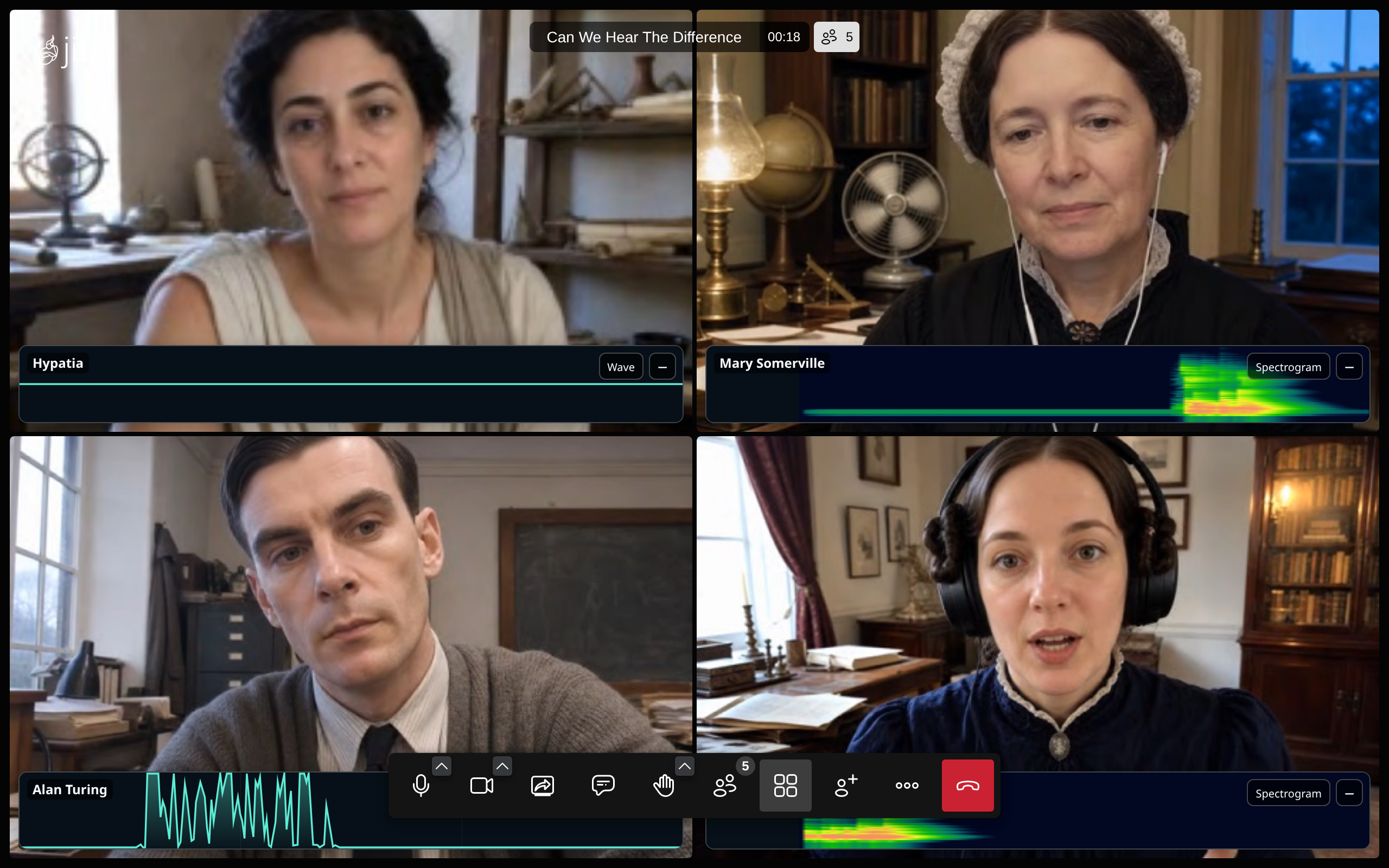
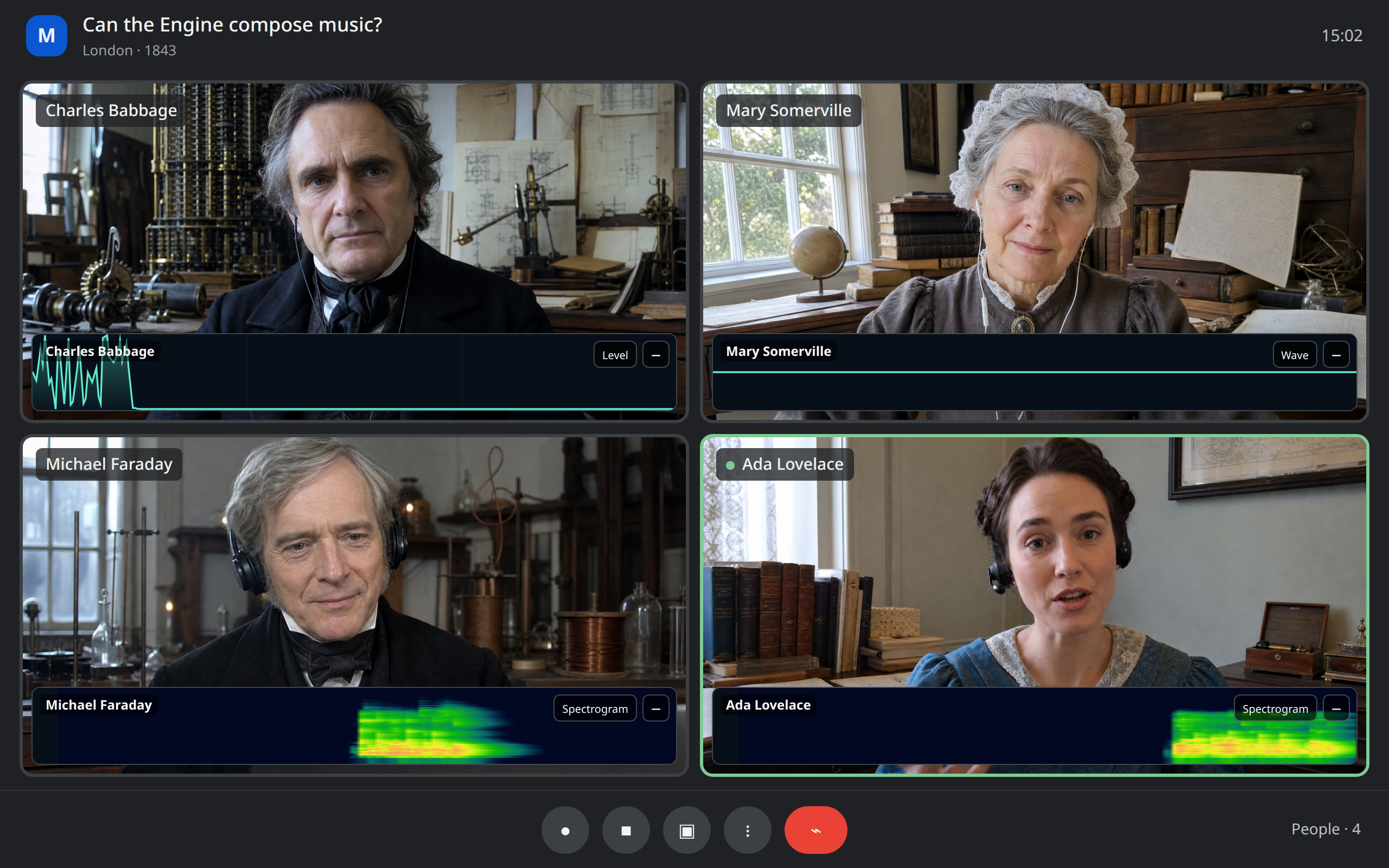
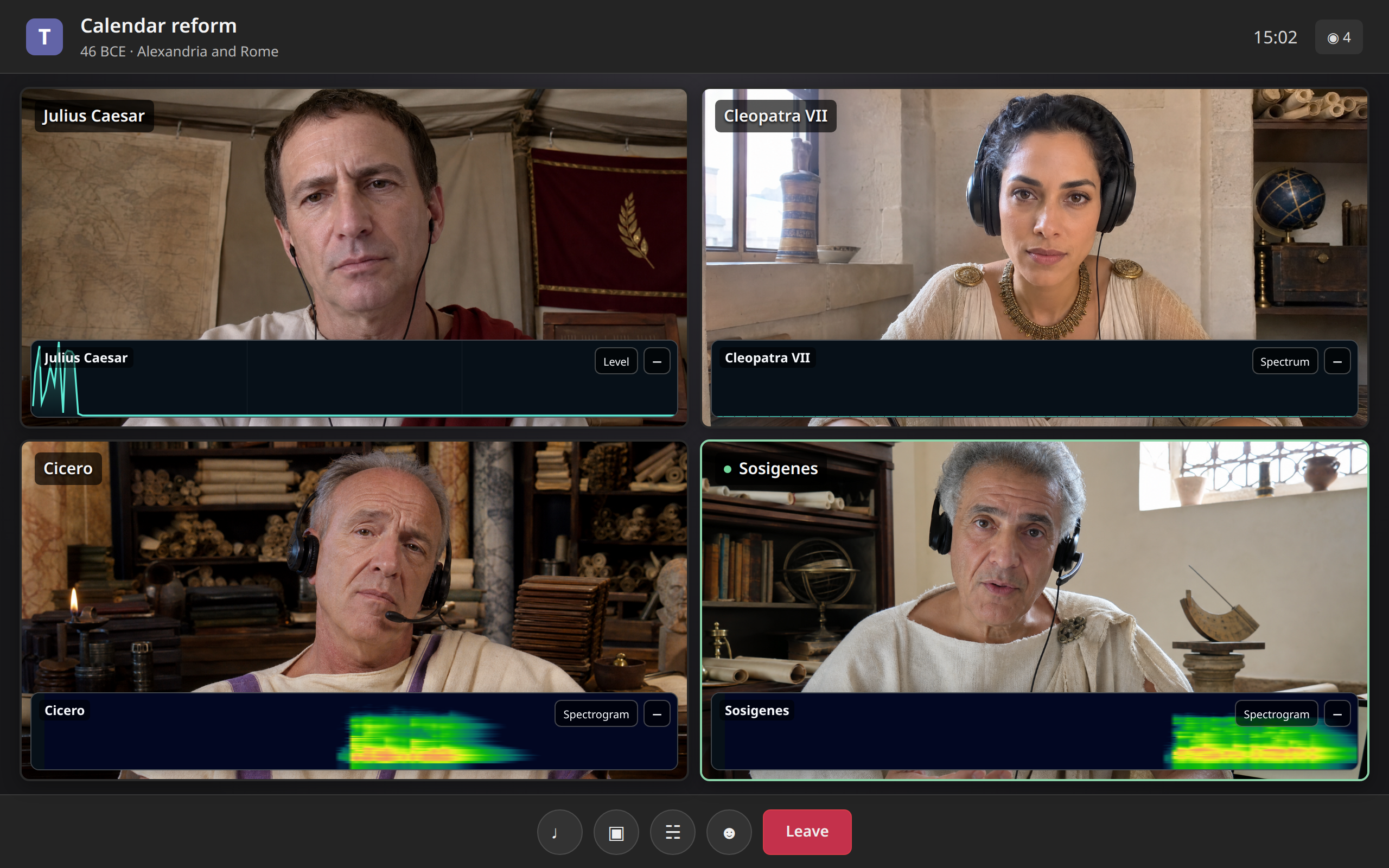
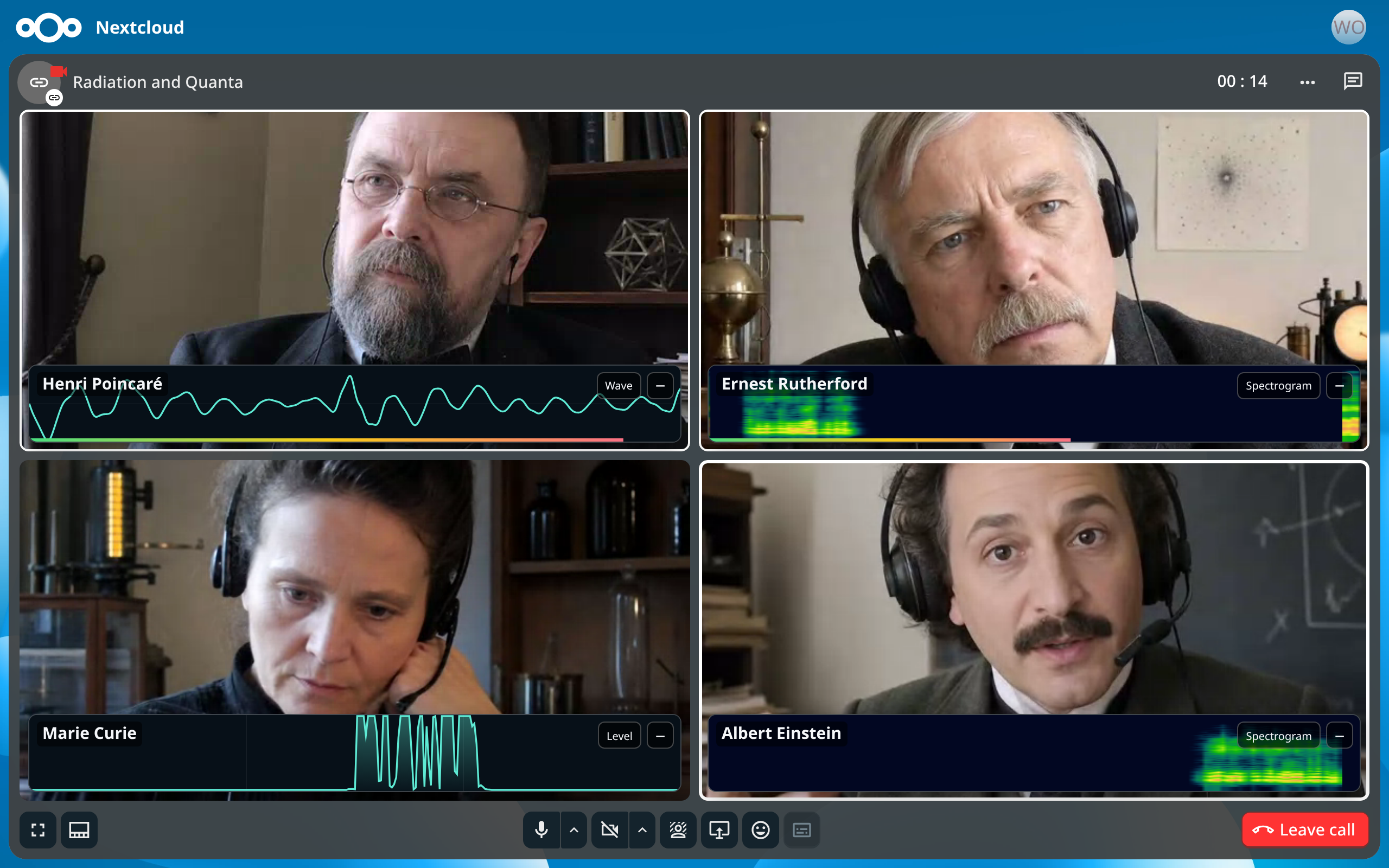
In a call03
Join the call in your browser and click the bookmark. Every participant gets their own graph, right on their video:
- Nextcloud Talk
- Jitsi Meet
- Google Meet
- Microsoft Teams
Best effort: WhatsApp and other browser calls get a floating panel with whatever audio the page makes available.
Each graph has a button that switches between four views (waveform, 15-second level history, spectrum, 15-second spectrogram) and a − that collapses it.